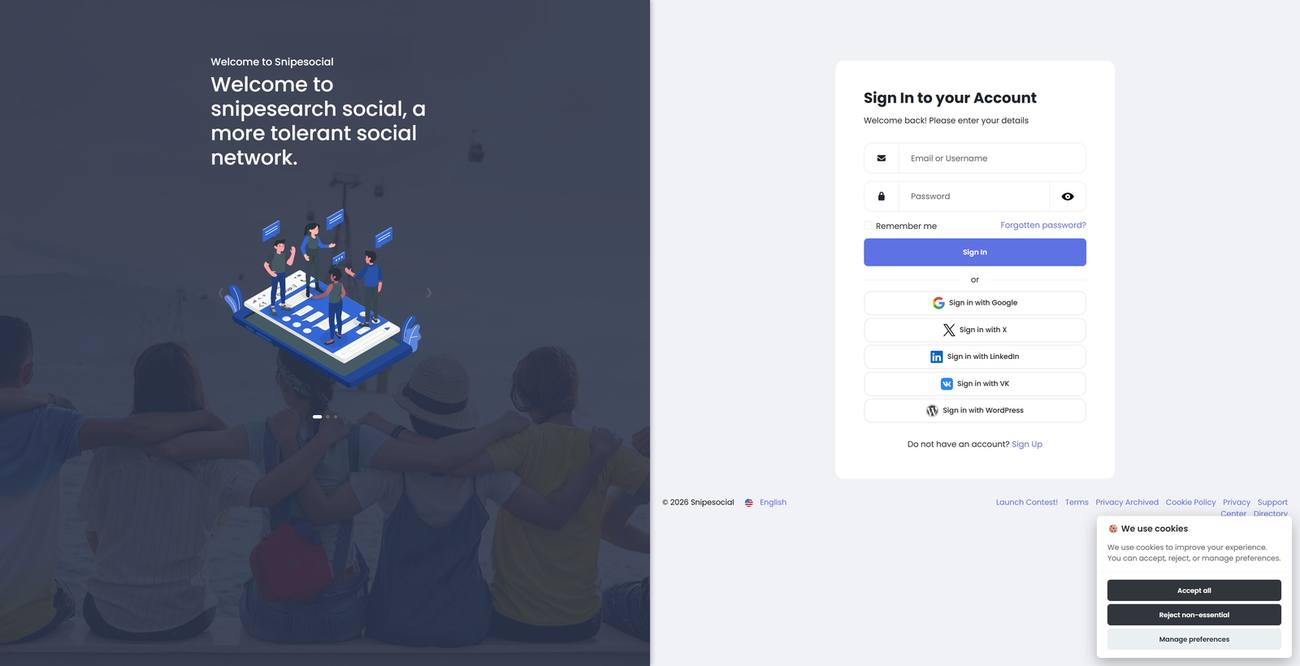
1 · Sign up
Open the secure site, create an account, and pick a username you can live with.
 Snipesocial
Home · Get started
Get started
A practical path onto Snipesocial - no growth hacks, just the order that actually works when you are ready to post.
Onboarding
The network stays quiet until your people arrive. That is a feature - not a bug.
Open the secure site, create an account, and pick a username you can live with.
Review privacy toggles before you post. Who can friend you, message you, and see what.
Search friends, confirm requests, and join one group that matches a real interest.
Step 4 · Post
Your first post does not need to perform. A photo from the weekend, a link, a short update - chronological feeds reward consistency over virality.
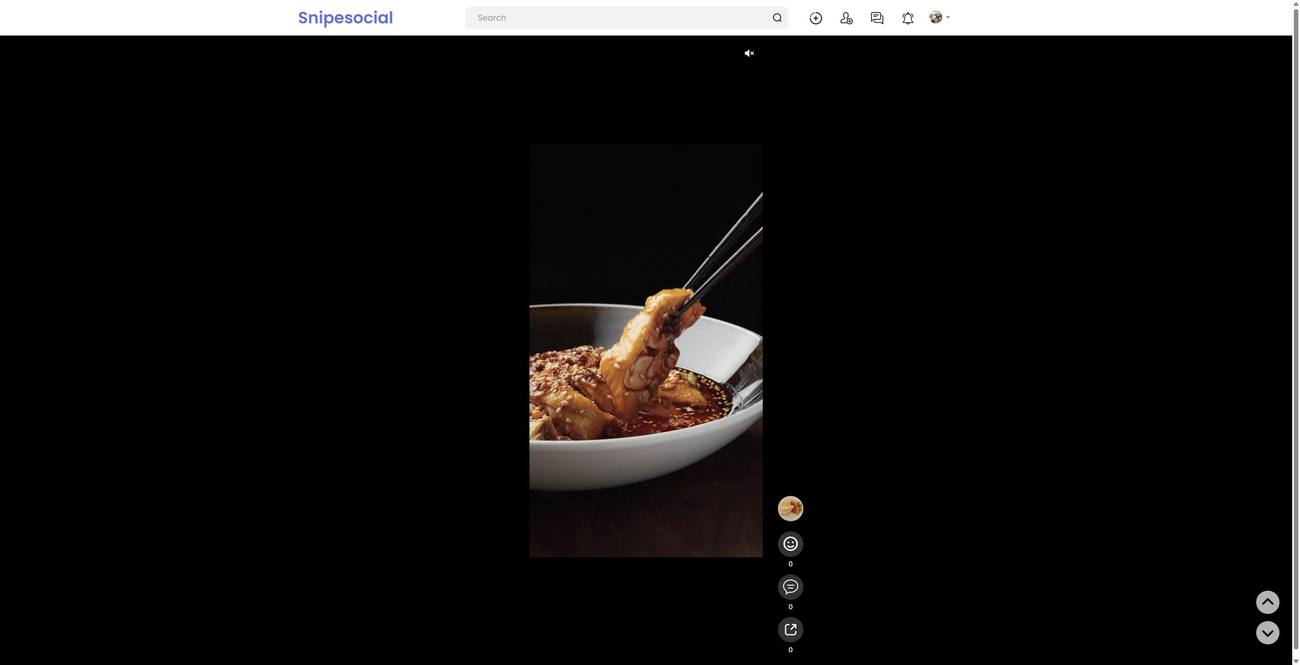
After you are in
Mutual connections without follower ladders. Open Friends
Pages and offers when work needs a home. Open Business
Four paid paths if you need reach. Open Advertise
Accounts are created on snipesocial.co.uk. This page only explains the route.